16 Productive Websites to Visit When You’re Bored
Turn idle time into something useful with 16 websites for making, learning, organising and creating—without turning boredom into a second job.
By Bored Hoard
Being bored does not automatically mean you want to become a better person. Sometimes, though, it would be nice to reach the end of a rabbit hole with a cleaner browser, a new skill or one small thing you actually made.
These productive websites are low-friction places to start. None require you to reinvent your morning routine or buy a notebook embossed with the word grind. Pick one useful detour and see where it goes.
For a wider mix of strange, playful and interesting corners of the web, start with our main guide to websites to visit when you’re bored.
The quick picks
- Make something physical: Fold 'N Fly
- Learn without committing to a course: Etymonline
- Tame browser chaos: Blixem
- Create a finished thing quickly: Brush Ninja
- Do something useful for future-you: FlowCV
Make something
These sites move the boredom away from the screen eventually. You can redesign a room, plan a crochet creature, fold a paper plane or finally learn the knot you normally solve with panic and excessive force.
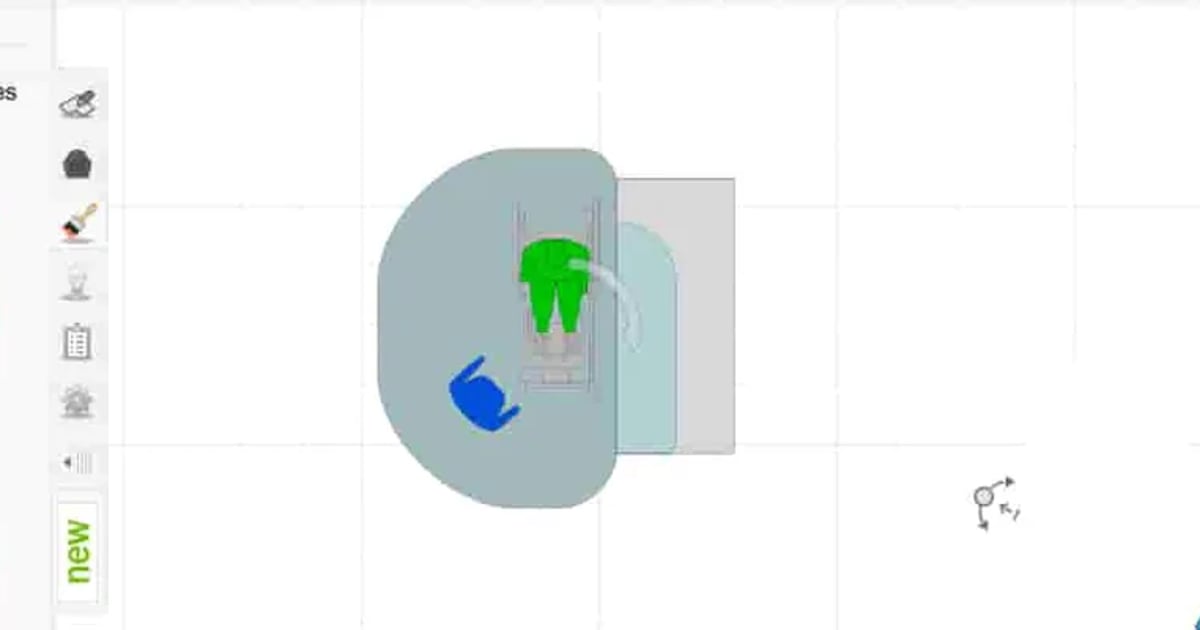
3D Room Planner
Build a floor plan, drag in furniture and try a completely unreasonable layout before moving anything heavy in real life. It is useful for genuine redesigns, but equally good for discovering that your dream sofa occupies most of the available oxygen.
Good for: planning a room before lifting a wardrobe · Access: Free to start · Time: 15–45 minutes

Amigurumi
Mix and match animal parts, change the yarn colours and generate a crochet pattern for the resulting creature. The design tool is approachable even if your current crochet experience begins and ends with owning something knitted.
Good for: planning a handmade creature · Access: Free pattern option · Time: 10–20 minutes

Fold 'N Fly
Choose a paper aeroplane by difficulty, distance, airtime or acrobatic potential, then follow the folding instructions. At minimum, you finish with an object. At best, you begin an unnecessary office-wide aviation championship.
Good for: making something from one sheet of paper · Access: Free · Time: 10–30 minutes
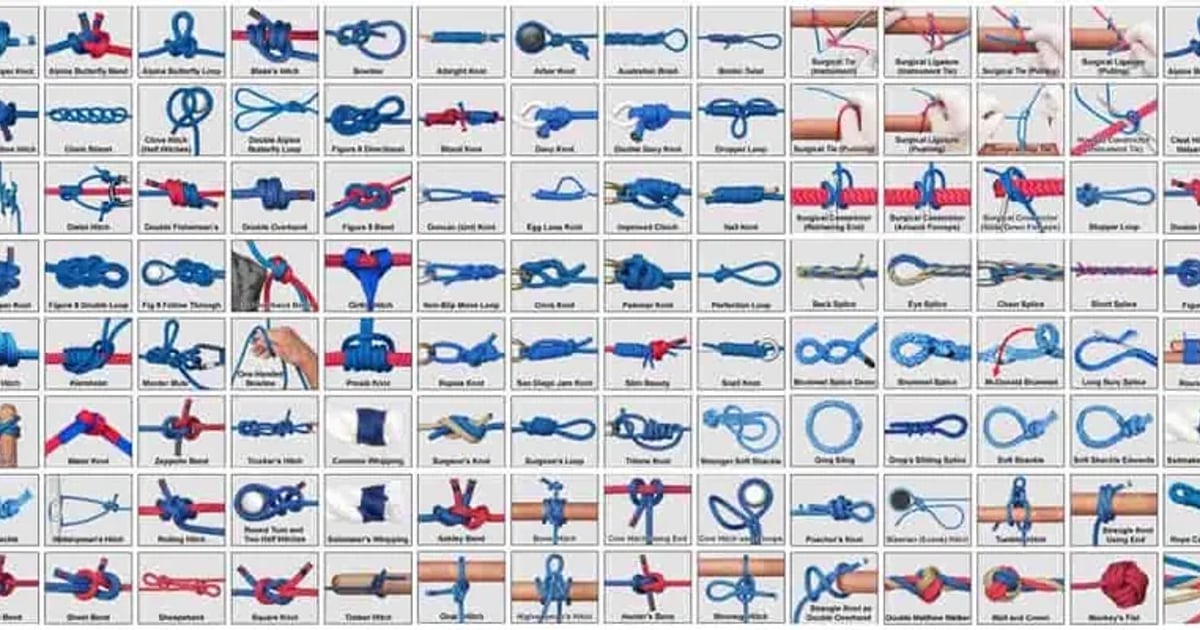
Animated Knots
Watch ropes tie themselves step by step across categories including household, climbing, fishing and boating. Start with a basic knot rather than immediately preparing for a solo ascent of something fatal.
Good for: learning one practical hand skill · Access: Free · Time: 5–20 minutes
Learn something
No twelve-week transformation is required here. These picks let you improve your typing, follow a proper course, investigate a word or settle a pronunciation before the next conversation exposes you.

Entertrained
Practise touch typing by retyping books instead of endlessly attacking isolated letters. You get a story, progress statistics and a reason to stop looking at the keyboard like it has personally betrayed you.
Good for: combining reading with typing practice · Access: Free · Time: 10–30 minutes

Harvard University Online
Browse Harvard’s current catalogue of free online courses across programming, humanities, science, health and more. Some are substantial commitments, so choose a subject you genuinely want to revisit rather than collecting enrolments like digital fridge magnets.
Good for: starting a structured course · Access: Free courses available · Time: from one lesson to several weeks

Etymonline
Search the origins of an ordinary word and follow it backwards through centuries of changing sound and meaning. It is a particularly efficient way to turn one innocent question into six open tabs about medieval language.
Good for: compact linguistic rabbit holes · Access: Free · Time: 5–20 minutes
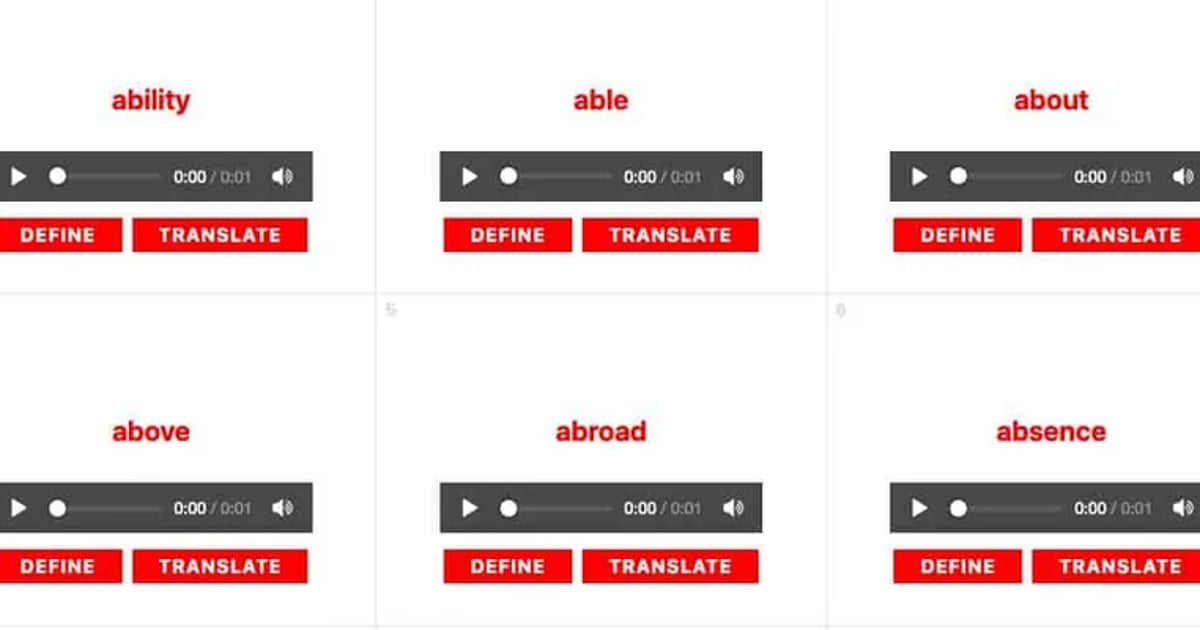
Howjsay
Type an English word and hear it pronounced clearly. Use it for names, scientific terms or any word you have confidently avoided saying aloud for several years.
Good for: checking pronunciation quickly · Access: Free · Time: under 5 minutes
Organize something
Productivity becomes much less offensive when the job is small. Rescue your tabs, break down one ugly task, gather your recipes or turn an imaginary reading ambition into a realistic number.
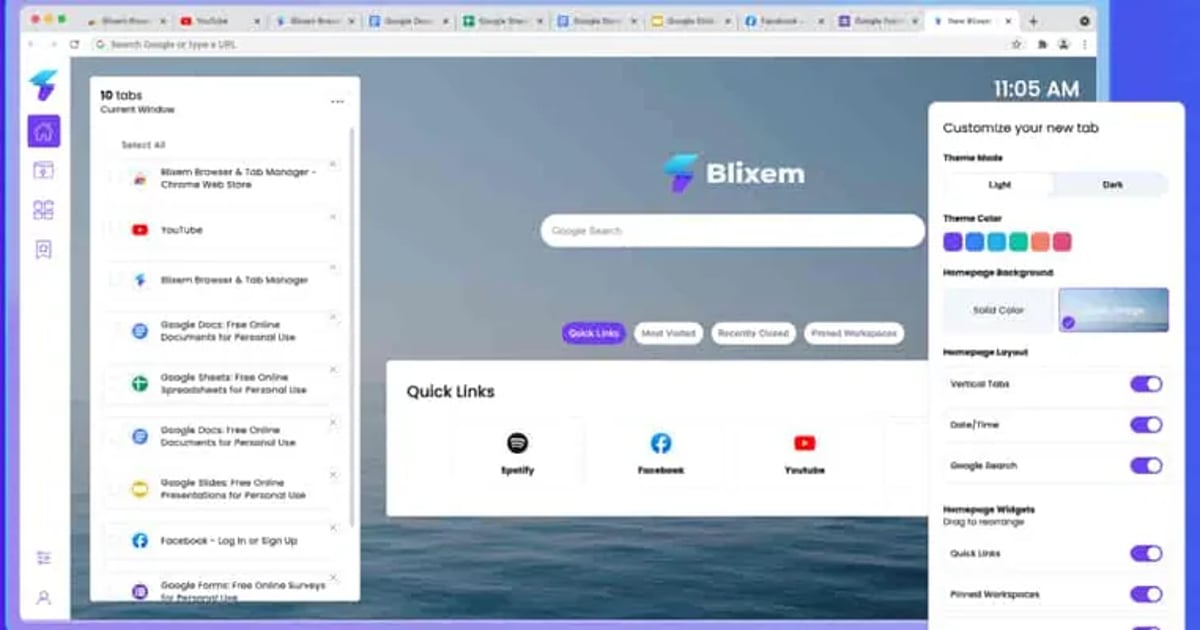
Blixem
Turn overcrowded Chrome windows into workspaces with organised tabs, bookmarks and widgets. It is made for people who insist every open tab is important despite the evidence becoming too small to read.
Good for: clearing browser clutter without losing everything · Access: Free option · Time: 10–20 minutes
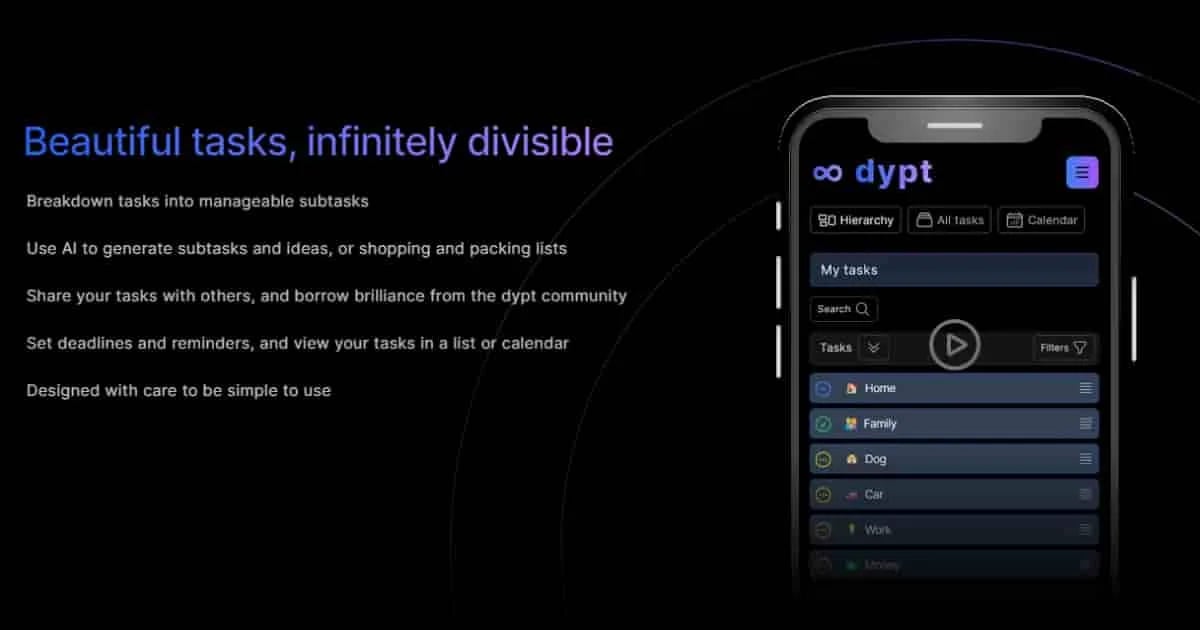
dypt
Break a task into smaller steps, then divide the intimidating steps again until one looks possible. The free plan also includes a limited number of AI actions for suggesting subtasks, estimates and ideas.
Good for: making one overwhelming job startable · Access: Free plan · Time: 10–20 minutes

ChefBook
Keep recipes, instructions and shopping information together instead of distributing them between screenshots, bookmarks and a sauce-stained piece of paper. The current app includes a free starting plan and works offline.
Good for: building a personal recipe collection · Access: Free plan · Time: 10–30 minutes
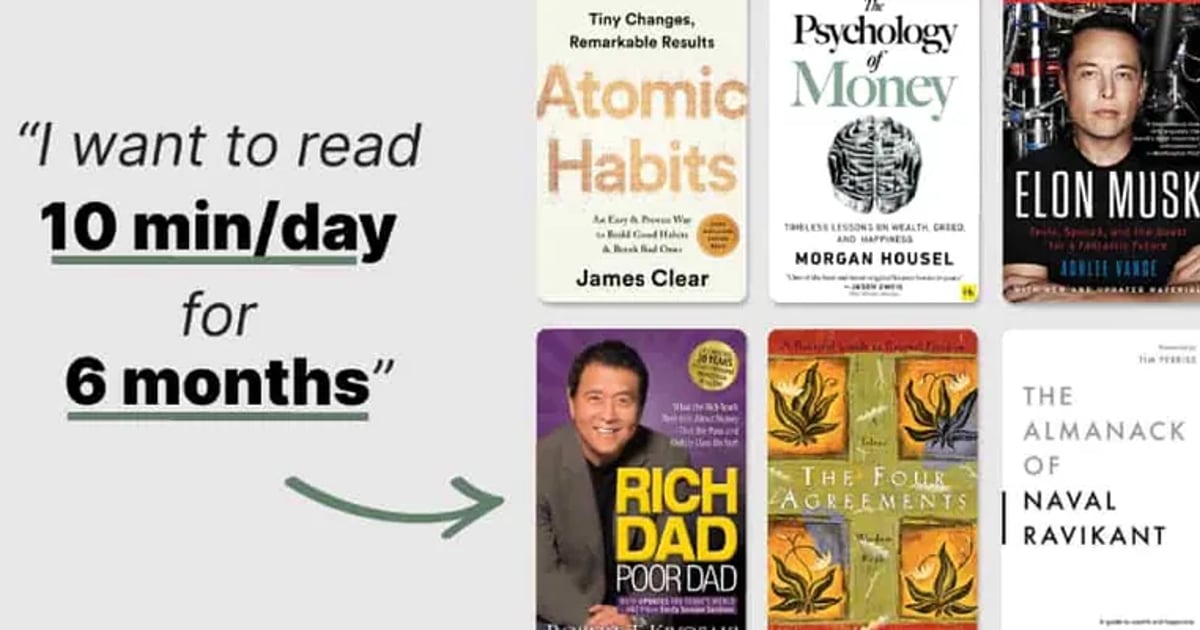
Books Calculator
Enter how many minutes you can read each day and your reading speed, then see how many books that could become over a year. The answer may inspire you or expose what your phone has been doing to your evenings.
Good for: turning “read more” into an actual target · Access: Free · Time: under 5 minutes
Create something
A useful session does not have to produce a business. An animation, a tiny song, a cleaner CV or one comprehensible chart all count as evidence that the last half-hour happened.
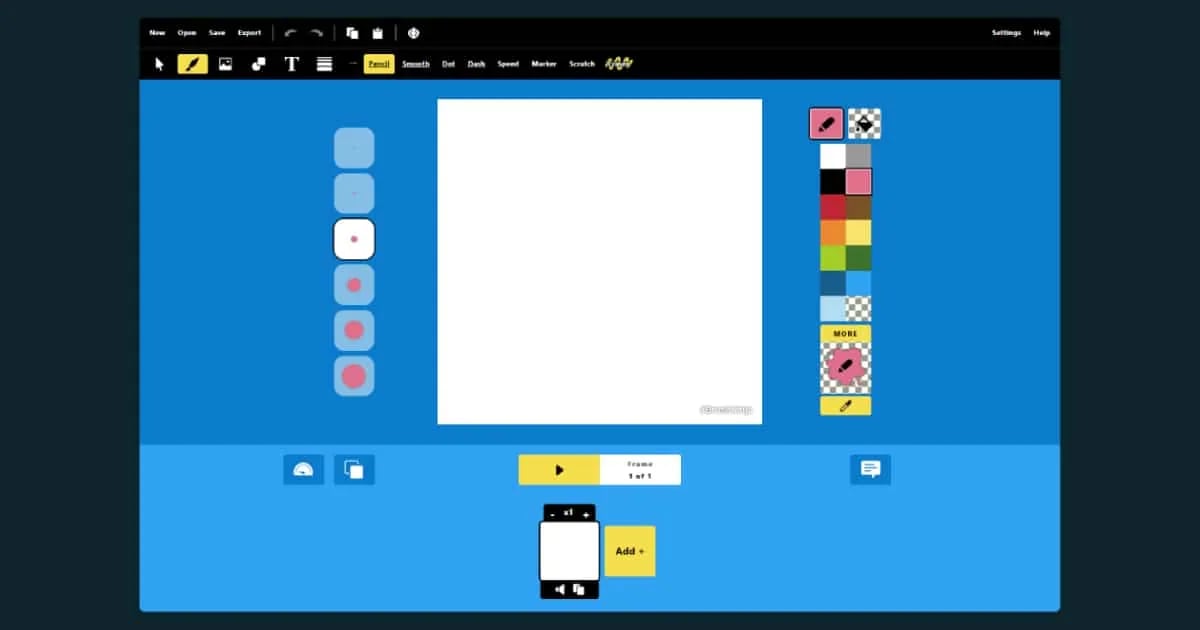
Brush Ninja
Draw frames in the browser and export your animation as a GIF. The wider collection also includes stop-motion, painting, emoji art and simple coding tools, so one bad drawing can evolve into a surprisingly respectable project.
Good for: making a first animation · Access: Free · Time: 15–45 minutes
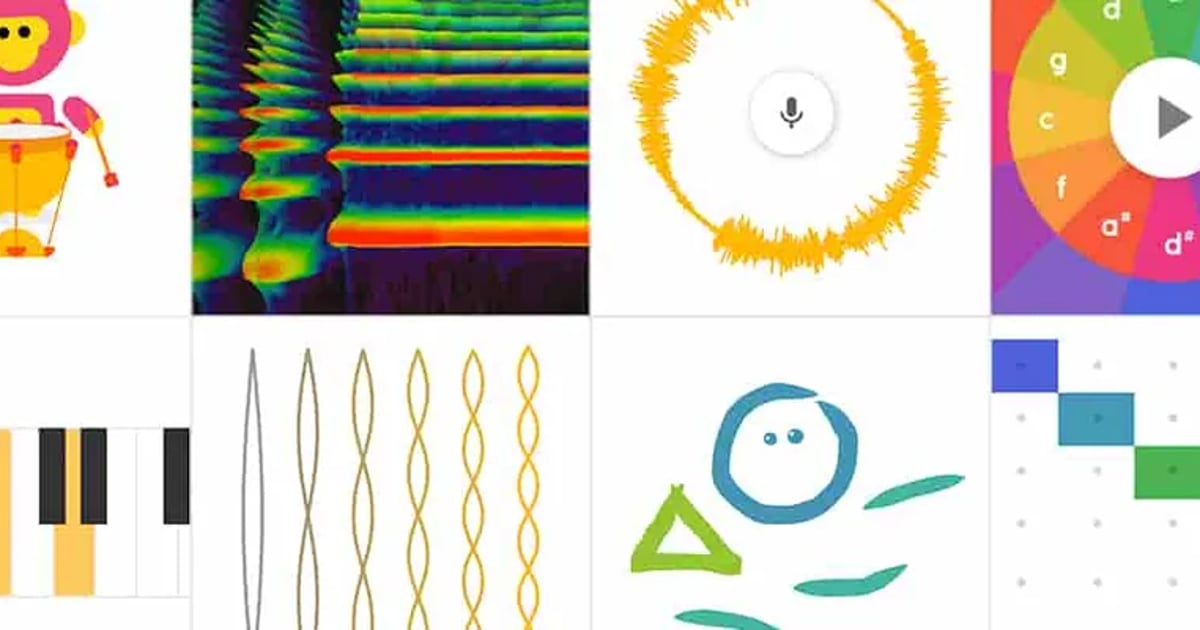
Chrome Music Lab
Turn shapes and gestures into sound through playful music experiments. Kandinsky is the quickest place to start, while Song Maker gives you more room to assemble and share a tune without opening professional music software and immediately regretting it.
Good for: learning music by playing with it · Access: Free, no account required · Time: 10–30 minutes
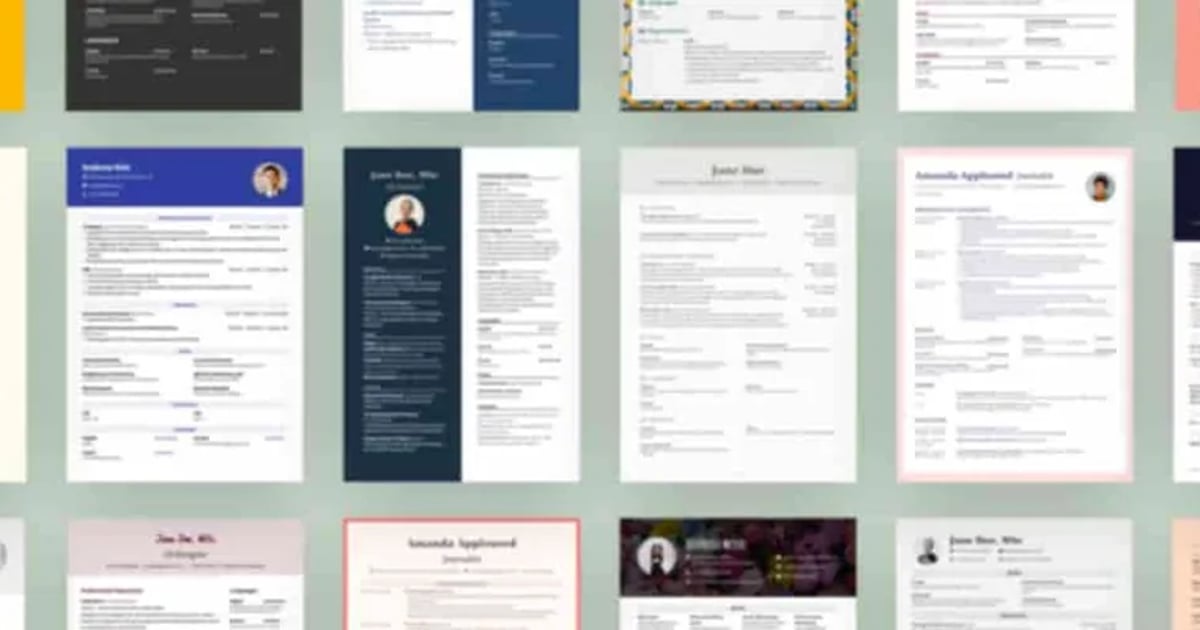
FlowCV
Choose a template, add your experience and build a CV that looks deliberately designed. The first resume is free with unlimited downloads, making this one of the more useful things you can do during a bored half-hour.
Good for: helping future-you escape a bad job · Access: First CV free · Time: 30–60 minutes
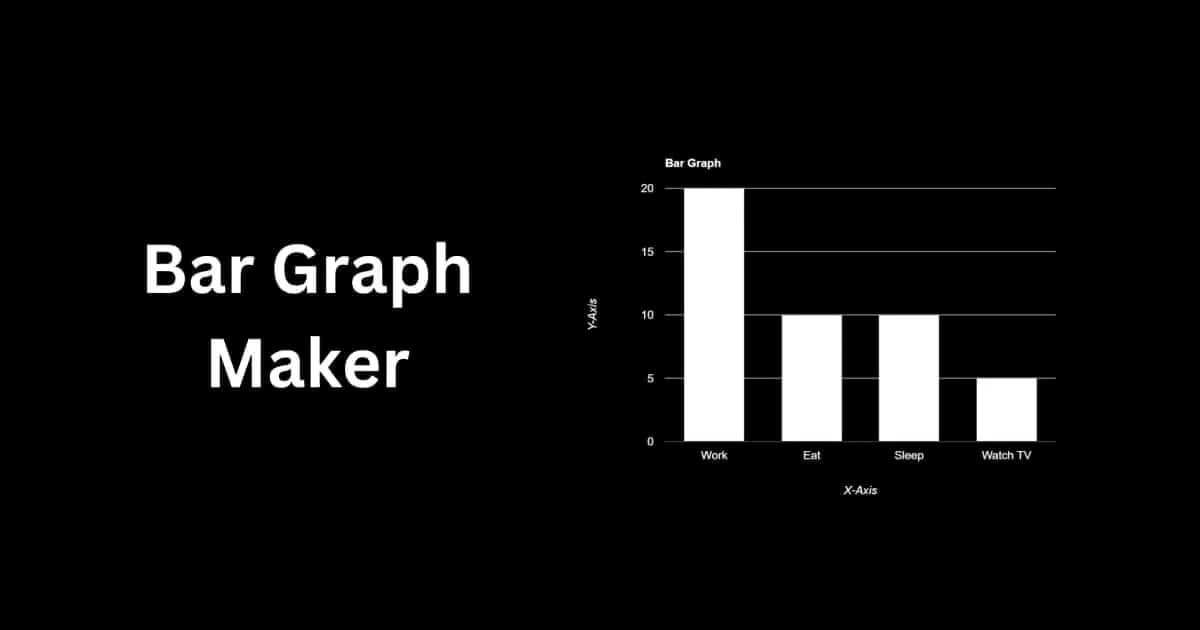
Bar Graph Maker
Paste in data, set labels and colours, then download the result as PNG, JPG or SVG. It will not make the numbers exciting, but it can stop them looking like they were abandoned halfway through a spreadsheet emergency.
Good for: producing a quick, shareable chart · Access: Free · Time: 5–15 minutes
How to choose a productive website when you’re bored
Start with the amount of energy you actually have. If you have five minutes, check a pronunciation or calculate a reading target. If your hands need something to do, fold a plane or learn a knot. If the boredom is hiding a task you have been avoiding, let dypt split it up or use Blixem to clear the browser wreckage around it.
The goal is not to optimise every spare minute. It is simply to leave the rabbit hole with one more thing than you entered with: a skill, a plan, a cleaner corner or a mildly aerodynamic object.
- Browse the full Bored Hoard catalogue
- Explore more sites for learning
- Find more creative tools
- Return to the main websites-to-visit-when-bored guide
- Let Bored Hoard choose a random website
Found a useful corner of the web we missed? Send it to the hoard.